01POWER + INPUTS
Survive the vehicle side
- 12 V electrical environment
- Protected ESP32 power chain
- Grounding, filtering, and transients
- 0–5 V sensors and thermistors
- Hall, frequency, and VR signals
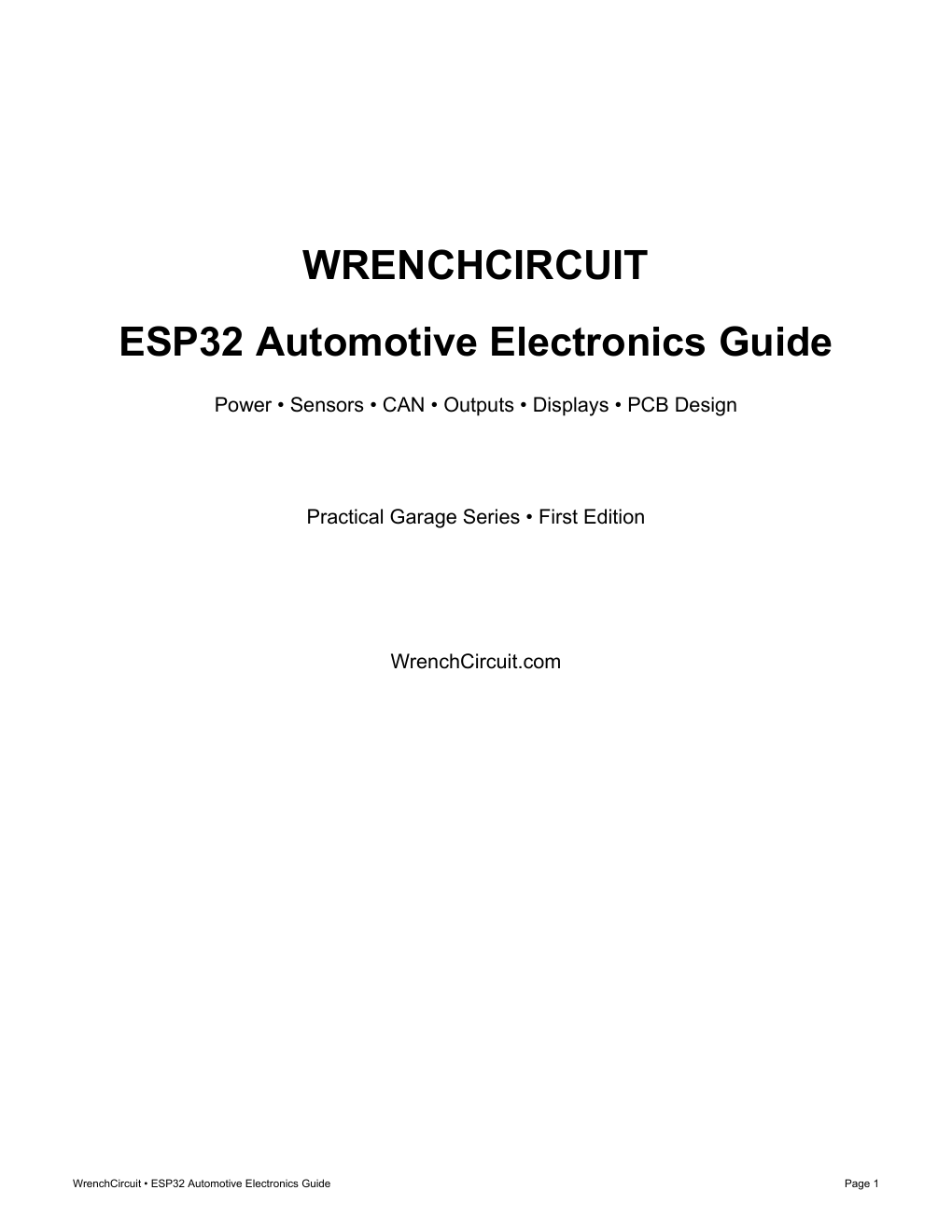
ESP32 hardware for non-safety-critical vehicle projects
A practical guide to protected power, clean sensor interfaces, CAN hardware, robust outputs, PCB release files, and the tests that separate a bench demo from a dependable prototype.
By purchasing, you agree to the terms, refund policy, and personal-use license.
A vehicle is a noisy electrical environment. The ESP32 is a 3.3 V logic device. Good projects respect both sides of that boundary.
Use the guide as a compact design reference while planning, building, or debugging a vehicle electronics prototype.
Clear topic sections, practical boundaries, example project architecture, and worksheets you can use on the next revision.
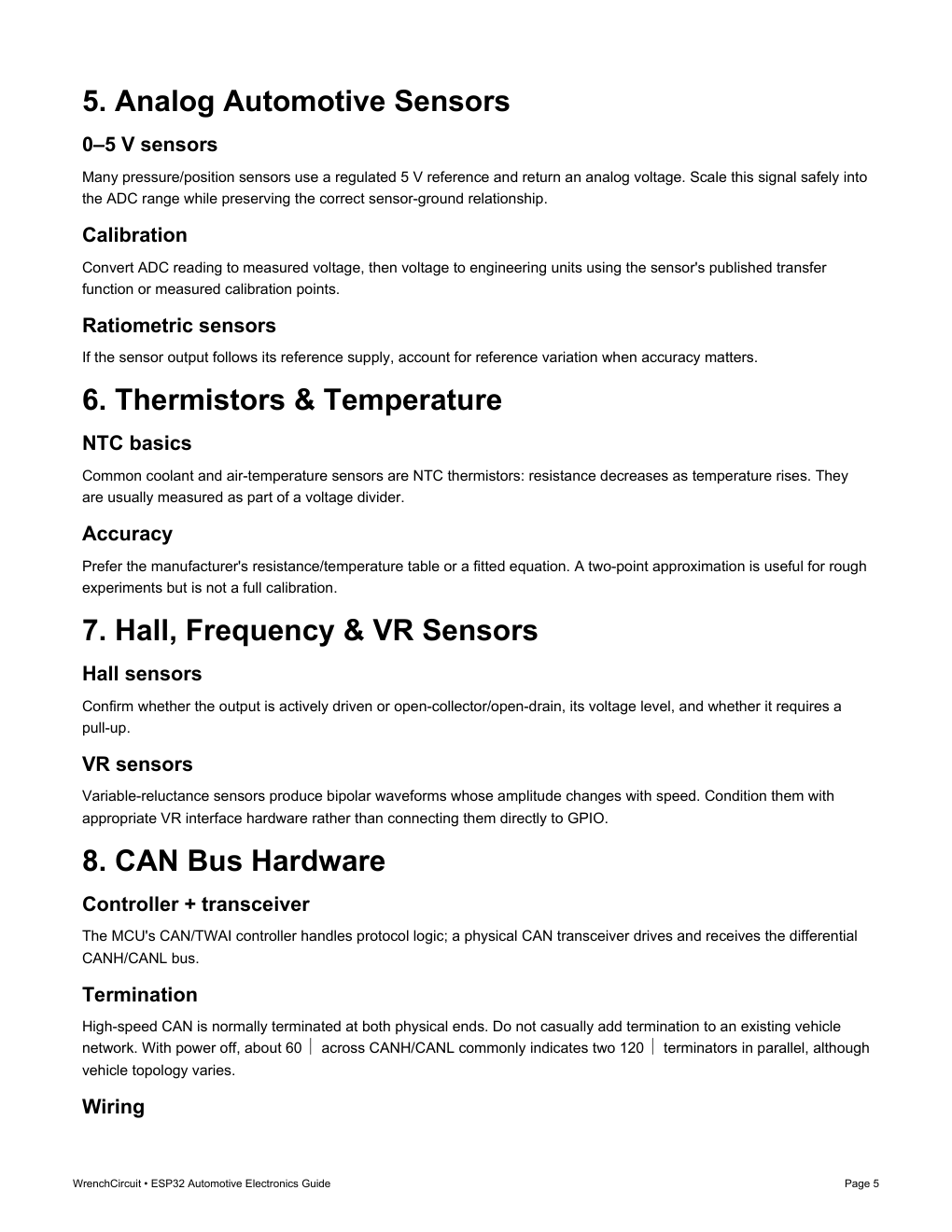
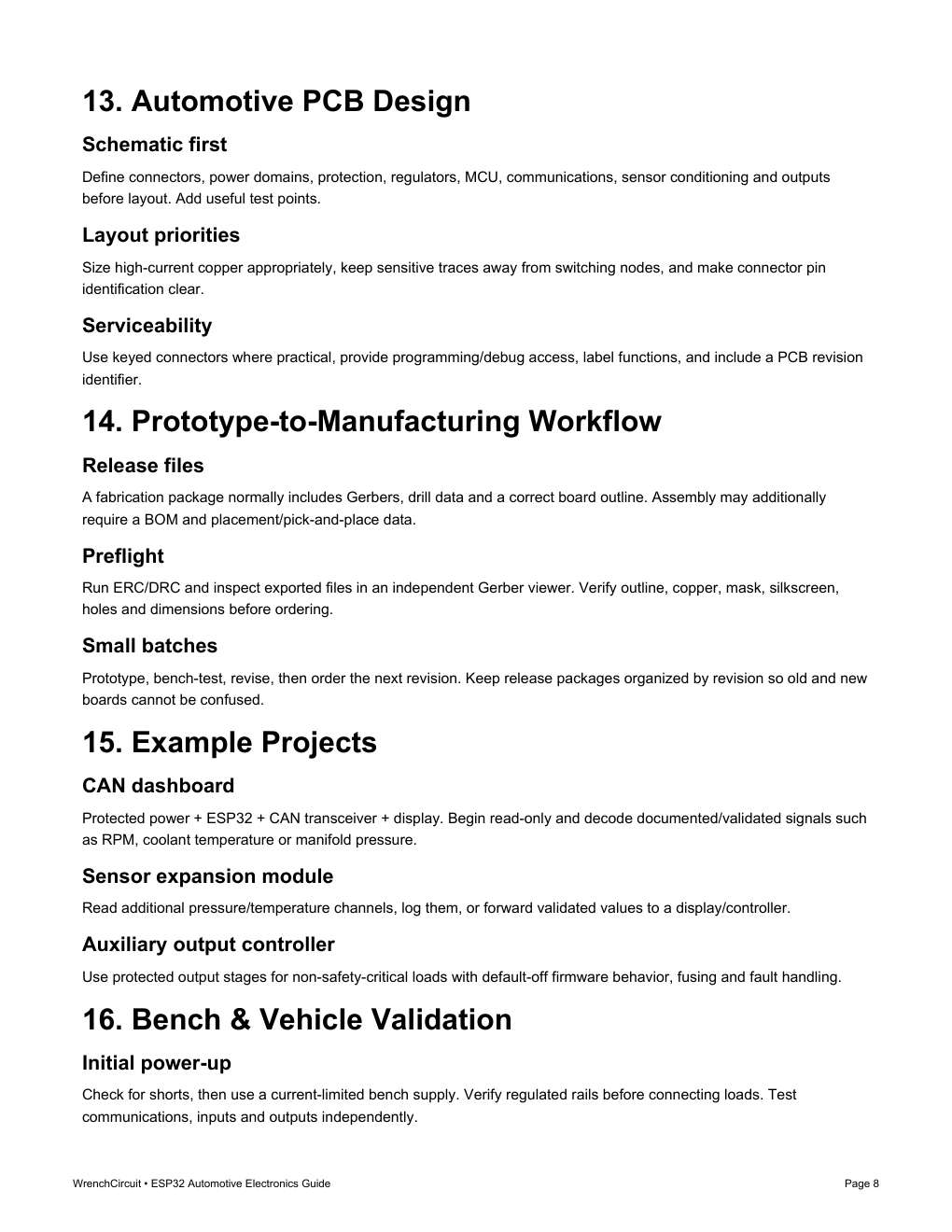
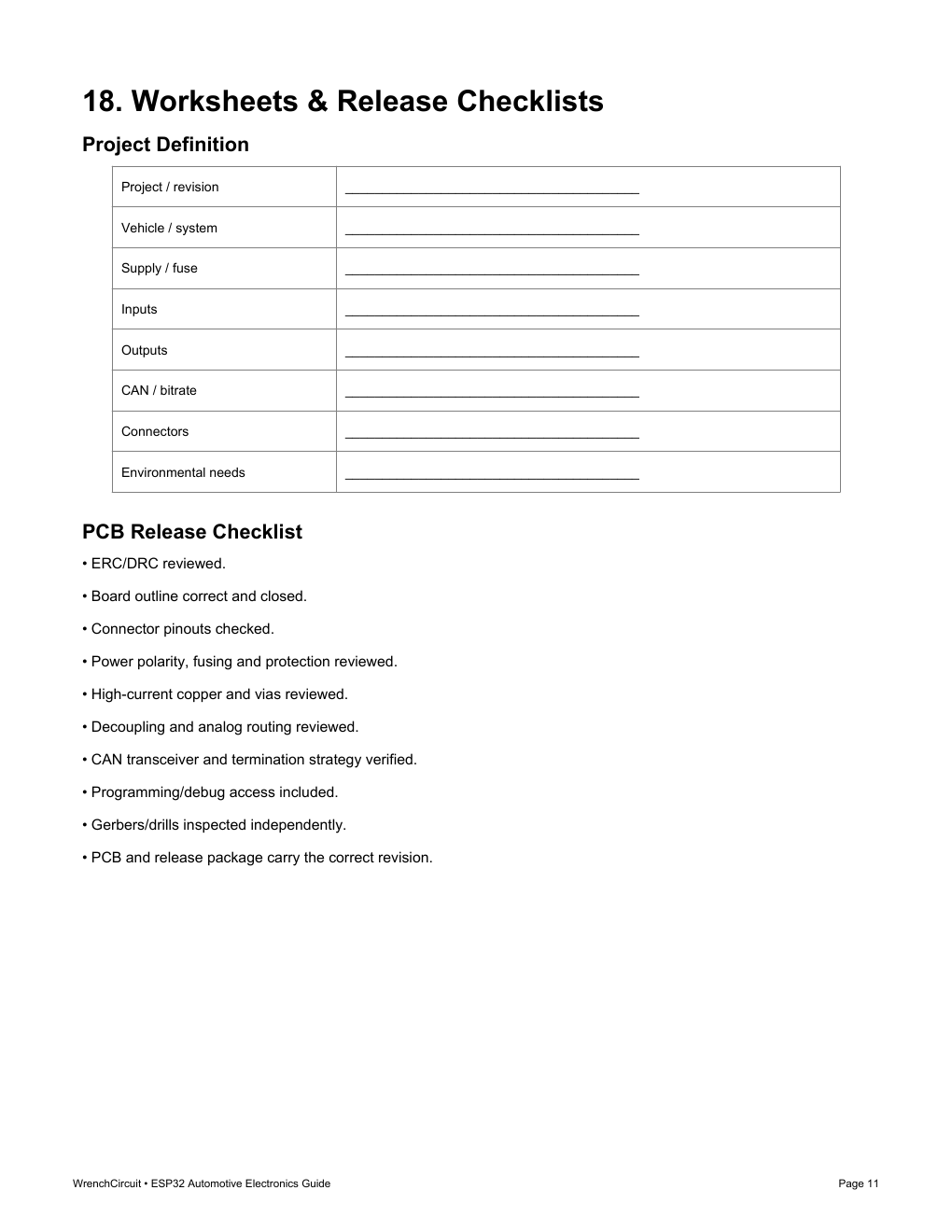
Example project direction
The examples stay within the guide's non-safety-critical scope and emphasize protected interfaces plus default-safe behavior.
Protected power, ESP32, CAN transceiver, and display for documented or carefully validated signals.
Condition pressure and temperature channels, record them, or forward validated values to a controller.
Protected output stages for non-safety-critical loads with fusing, fault handling, and default-off firmware behavior.
Safety and scope
This guide covers low-voltage vehicle electronics and non-safety-critical prototyping. Fuse added circuits close to the source, protect wiring from abrasion and heat, and disconnect power before modifying unfused wiring.
WrenchCircuit / practical garage series
Thirteen focused pages, 18 practical topics, three example project directions, and printable project, release, and diagnostic worksheets.
By purchasing, you agree to the terms, refund policy, and personal-use license.
Payment is handled on Stripe. This PDF is released only after its matching paid Checkout Session is verified. Your card statement will show WRENCHCIRCUIT.
Also from WrenchCircuit
The 30-page Automotive Electrical Diagnostic Guide teaches a repeatable, measurement-first process for conventional 12 V faults.
View diagnostic guideReady for a custom board?
WrenchCircuit can turn a concept, wiring diagram, or working prototype into a schematic, PCB layout, 3D preview, and fabrication package.
Explore custom PCB designScope, delivery, price, licensing, and support—answered before you buy.
A 13-page downloadable PDF covering 18 focused topics: power protection, ESP32 interfaces, automotive sensors, CAN, outputs, displays, PCB workflow, validation, troubleshooting, and printable project worksheets.
No. It is a hardware-and-workflow guide. It explains the interfaces, protection, topology, validation, and documentation decisions that surround ESP32 vehicle projects rather than teaching a particular software framework.
Yes. It includes a project-definition worksheet, PCB release checklist, and diagnostic log that can be printed or annotated digitally.
No. ESP32 GPIO is a 3.3 V logic domain. The guide explains why vehicle-side signals need a suitable divider, buffer, transceiver, isolation stage, or dedicated interface IC.
No. The guide is limited to low-voltage, non-safety-critical prototyping. It specifically excludes airbags/SRS, ABS, steering, braking, restraints, and experimental CAN injection on safety-critical OEM networks.
Stripe handles the one-time payment. After payment is confirmed, Checkout returns you to a verified page that releases only this purchased PDF.
The one-time price is $9.99 USD. Your card statement will show WRENCHCIRCUIT.
Email Wrenchcircuit@gmail.com with the email used at Checkout, purchase date, and Stripe receipt or Checkout Session reference. Never send full card details.
Purchase support
If delivery fails, keep the email address used at Checkout, purchase date, and Stripe receipt or Checkout Session reference. Support can verify payment without asking for card information.
EmailWrenchcircuit@gmail.comResponse within two business days
Read delivery, refund, privacy, terms, and license policies